
Orange gradient cursor
2.0kFree
Upgrade your browsing with the Vibrant Orange Gradient Cursor. This custom cursor offers a seamless orange gradient, merging style with functionality
Install the Cursor Space extension for Chrome or Cursor Space for Edge in your browser.
On this page, click "Add this cursor pack to the extension".
Open the extension and go to the Packs tab.
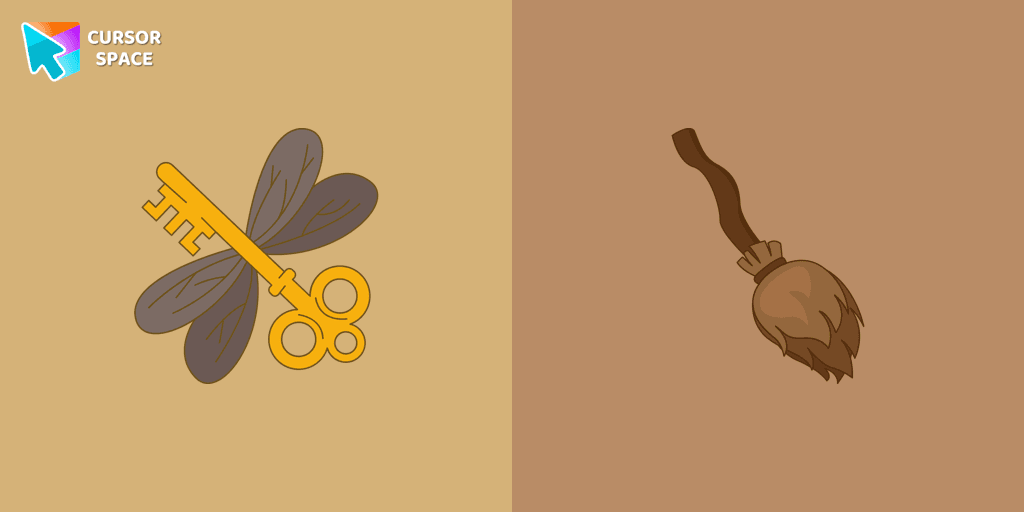
Find the custom cursor pack "Winged Keys cursor" and click it.
Enjoy!
Get this cursor pack and thousands of others by installing our extension. It's fast and free!
Winged Keys Cursor is a themed cursor pack you can add to your browser to personalize your pointer across common cursor states (default and pointer). Use it for everyday browsing, streaming, studying, or gaming-anywhere you want your cursor to match your vibe.
See how the cursors look before installing.
Add the pack to the extension in a few clicks.
Designed for Chrome and Edge via the extension.
Quick answers to common questions about cursor packs, collections, and installation.
Yes. To apply cursor packs in Chrome or Edge, install the Cursor Space extension and add this pack to it.
Cursor packs are designed for Chromium browsers like Chrome and Microsoft Edge.
Open the extension, choose another pack or disable the current one to return to your default cursor.
Custom cursor and packs - neon, anime, pixel art. Quickly add to Chrome and Microsoft Edge for free
Upgrade your browsing with the Vibrant Orange Gradient Cursor. This custom cursor offers a seamless orange gradient, merging style with functionality

Introducing the Cute Among Us Kakashi Hatake Character Cursor: A Perfect Blend of Two Favorites!
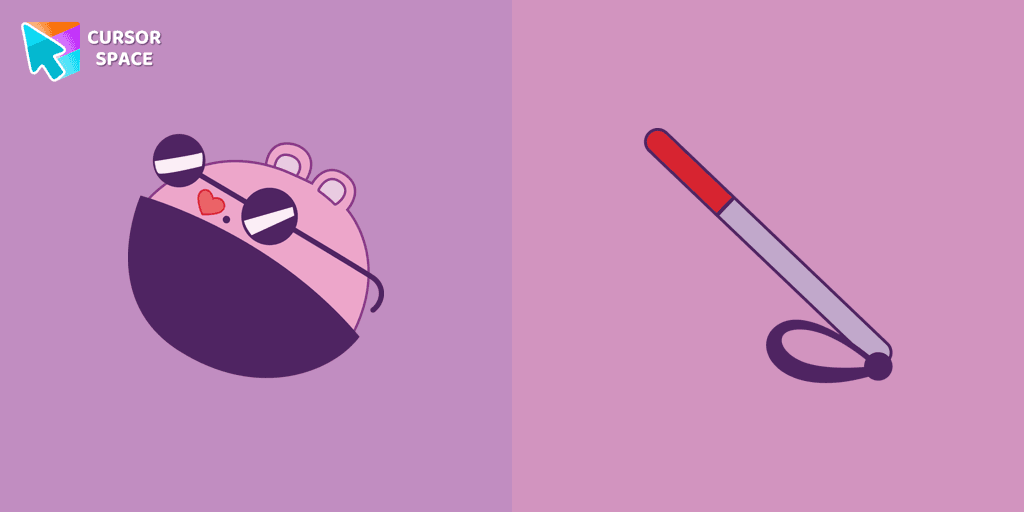
The Mole custom cursor for Google Chrome adds a fun and quirky touch to your browsing. Inspired by a small mole, it brings a playful alternative to the default cursor.
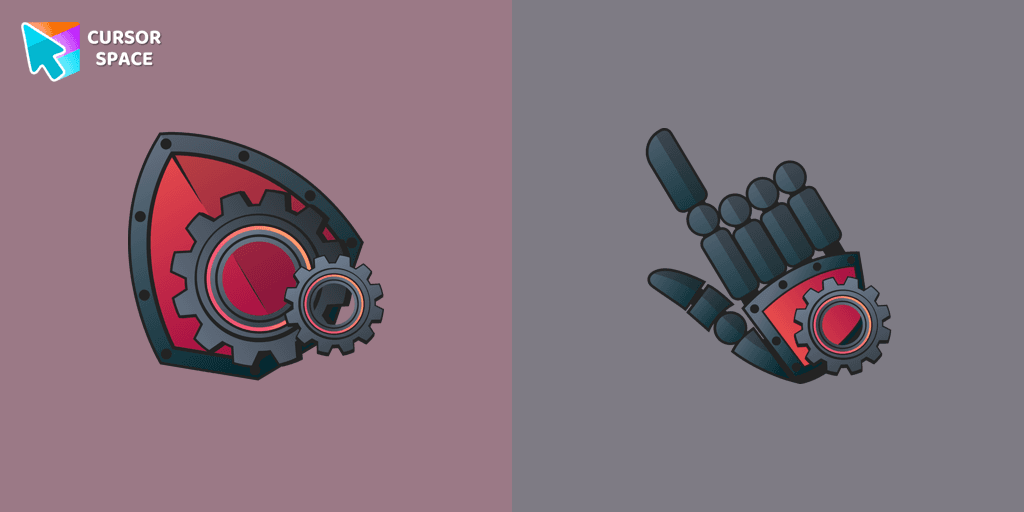
Upgrade your desktop with the Mechanical custom cursor, a sleek blend of technology and elegance for a futuristic browsing experience.
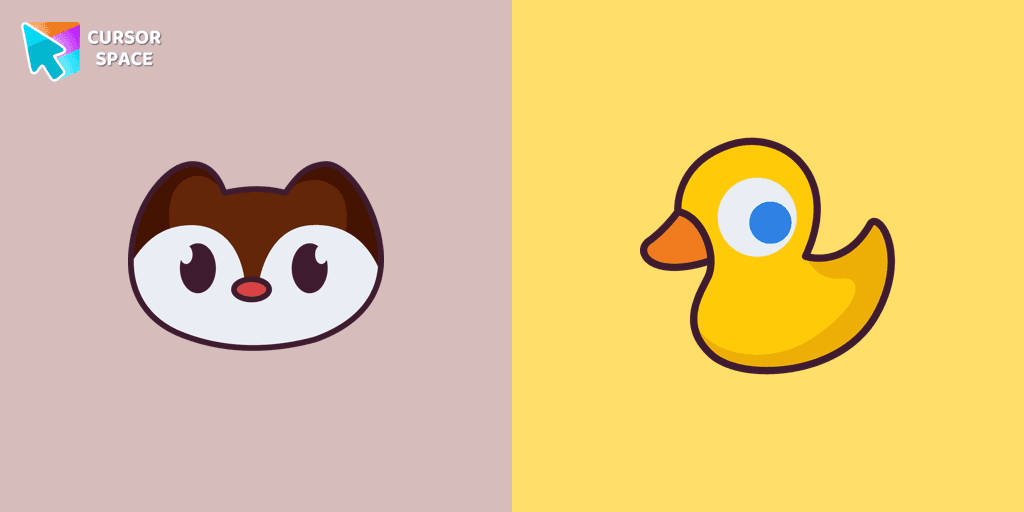
Landry pointer for mouse and a funny rubber duck cursor in our custom cursor collection for mouse and pointer in Hello Kitty design.
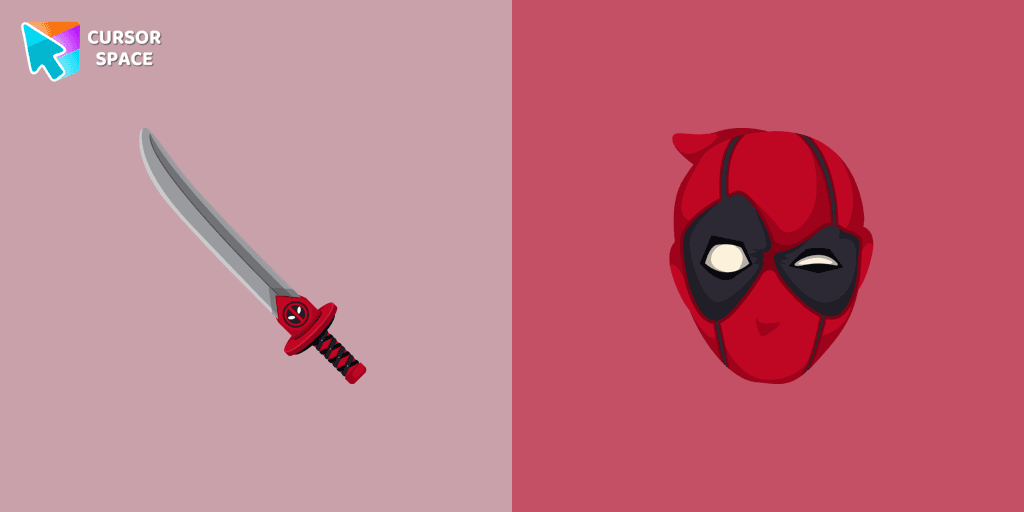
Transform your browsing with Deadpool's custom cursor for Google Chrome. This unique, cute mouse and pointer cursor adds style and fun to your screen.

Is a Sanrio character who is a monkey. If you want to change the default cursor to Chi Chai Monchan, you are welcome to our collection of cursors Hello Kitty in a variety of moods.
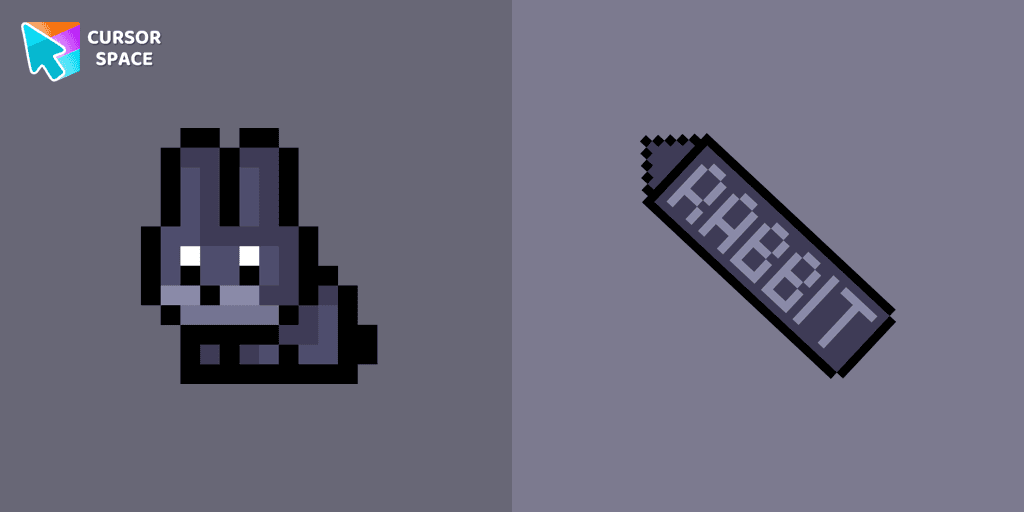
The Black Rabbit cute cursor in pixel style is the perfect addition to your desktop for the holiday season.

Stay Connected with the Always There Bear Cursor - A Trustworthy Companion
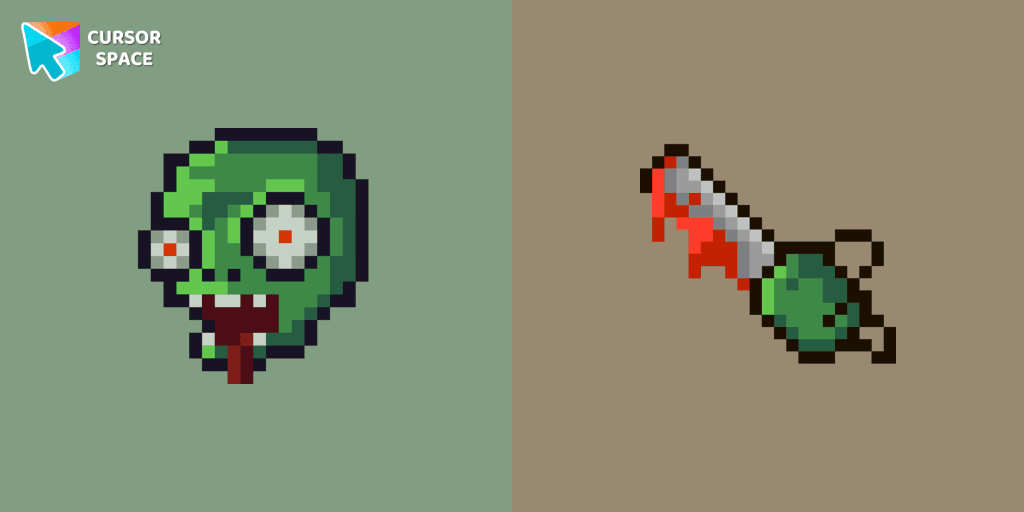
Zombie Pixel custom cursor from our Cute Pixel cursors collection for mouse and pointer.

Why settle for a default cursor when you can upgrade to The Orange Line and enhance your experience with The Cursors collection?
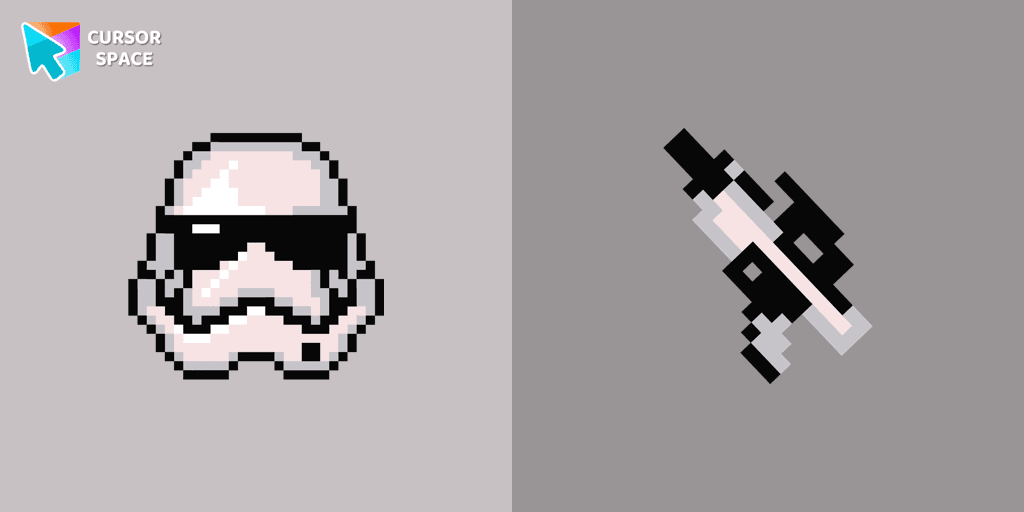
Stormtrooper Pixel cursor for a mouse is a good fan art to decorate your browsing. Blaster rifle comes together with the custom cursor with Stormtrooper Pixel.
Installation leaders from "Harry Potter Cursors": free packs, neon/anime/pixel art, quick add to Chrome and Edge.
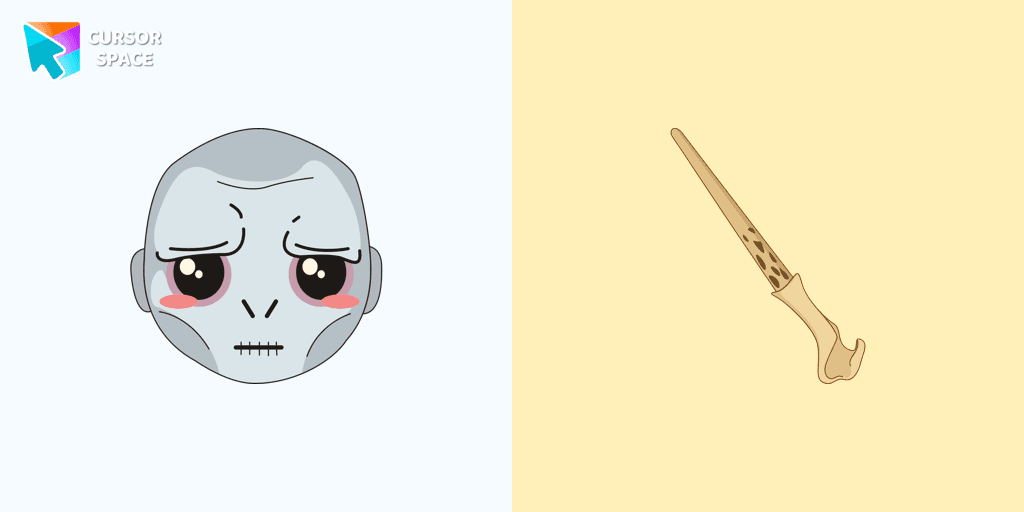
Meet Lord Voldemort cursor for Chrome in a custom cursors collection with Harry Potter for mouse and pointers.
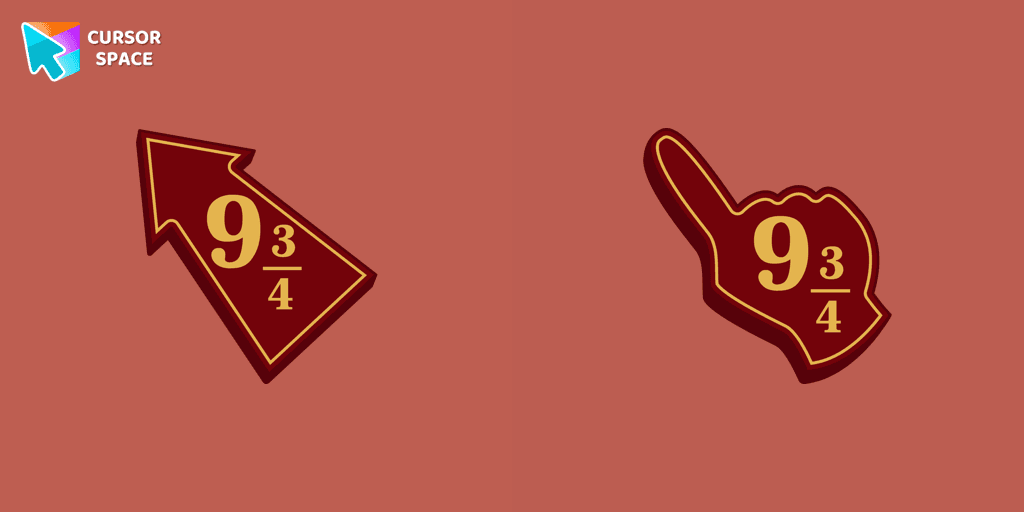
Meet the Platform 9 3/4 cursor for Chrome in a custom cursors collection with Harry Potter for mouse and pointers.
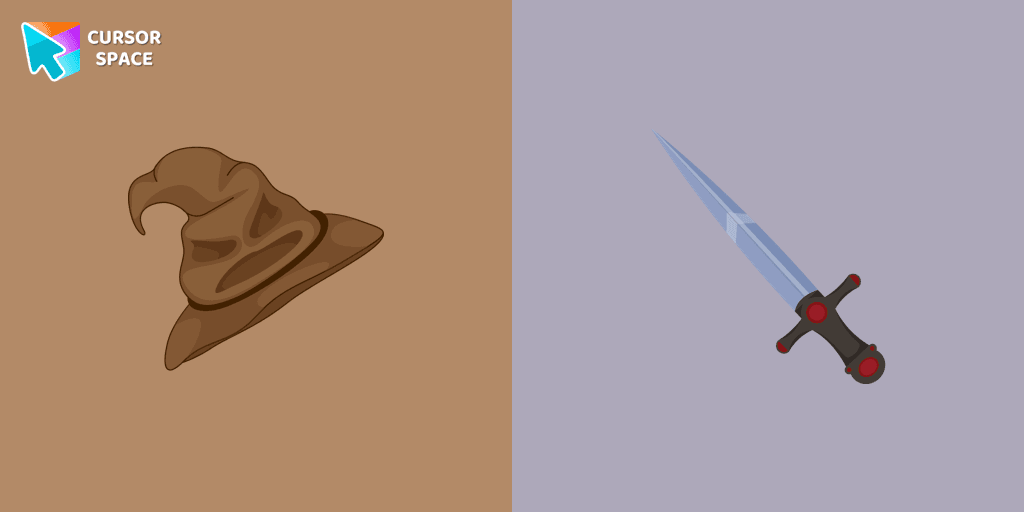
Meet the custom cursor with Sorting Hat and Sword of Gryffindor for Chrome in the Harry Potter collection of custom cursors for mouse and pointers.
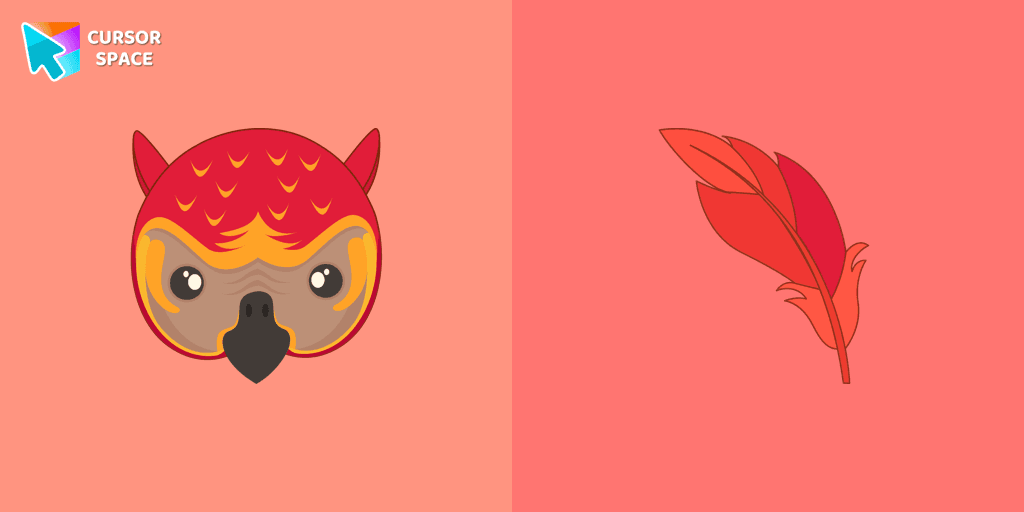
Fawkes the phoenix from Harry Potter custom cursor and pointer for the mouse is pretty illustrated in our cute cursors collection with Harry Potter characters.
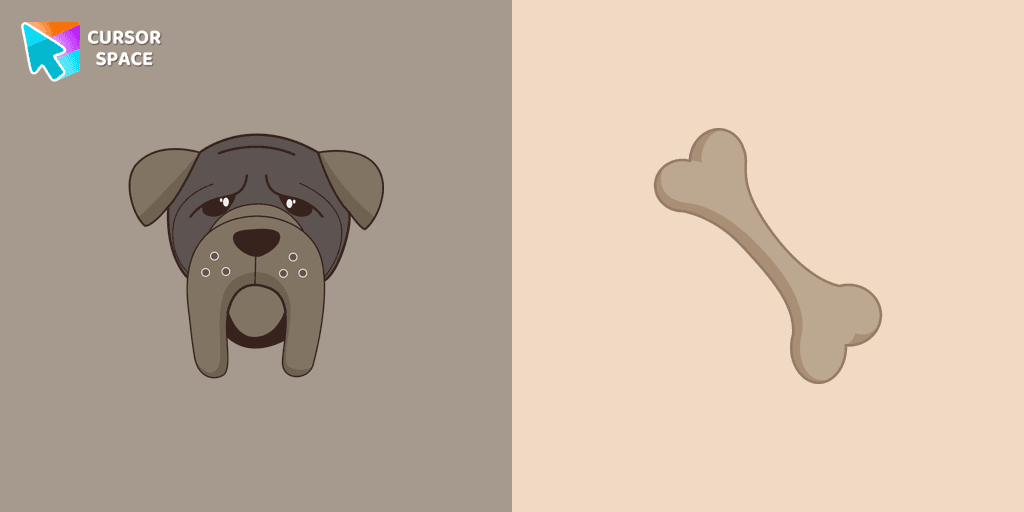
In our cute custom cursors collection with Harry Potter, we have illustrated a Fang as a custom cursor for the browser in a nice art.
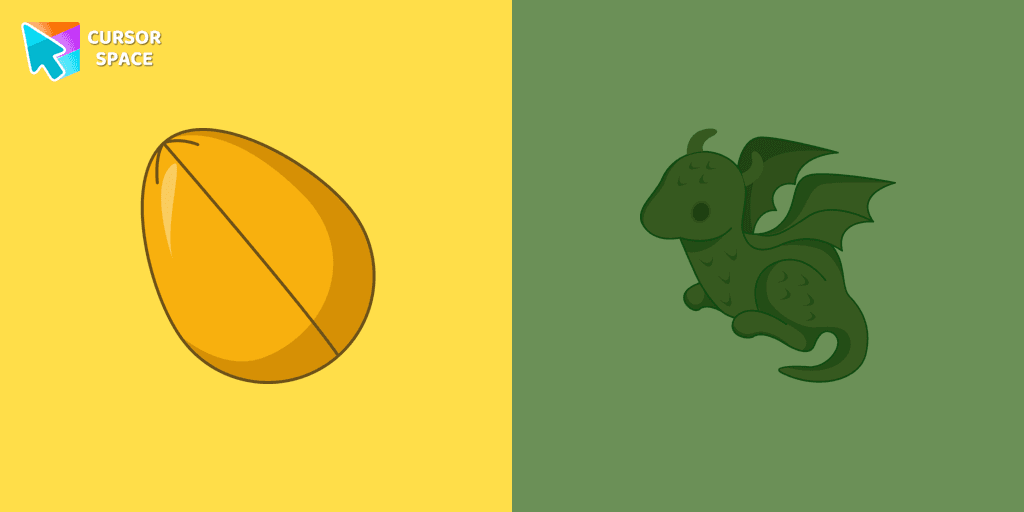
The Dragon and Golden egg custom cursor from our custom cursors collection for Chrome will change your default mouse pointer to something magic.
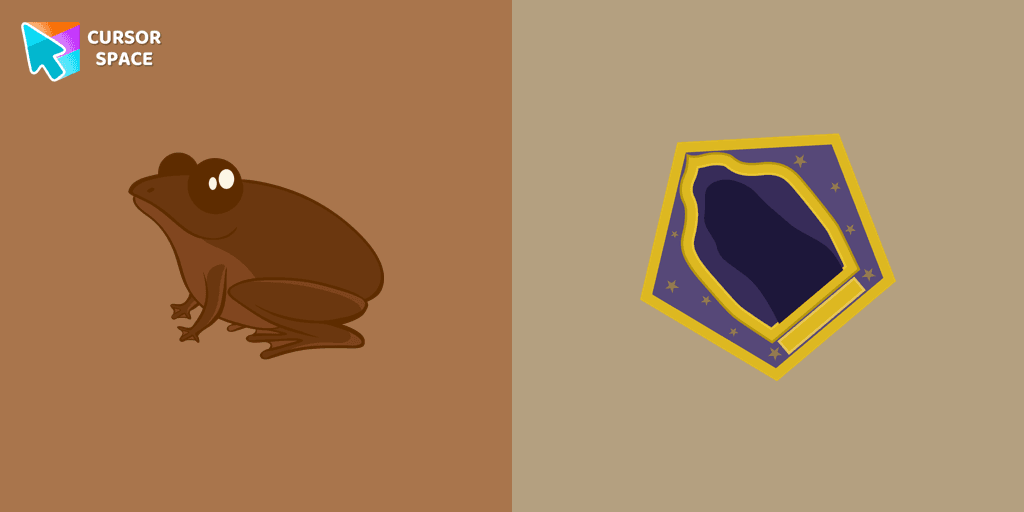
Appetizing chocolate frog custom cursor for mouse and pointer that was created in a realistic style for our custom cursor collection Harry Potter.
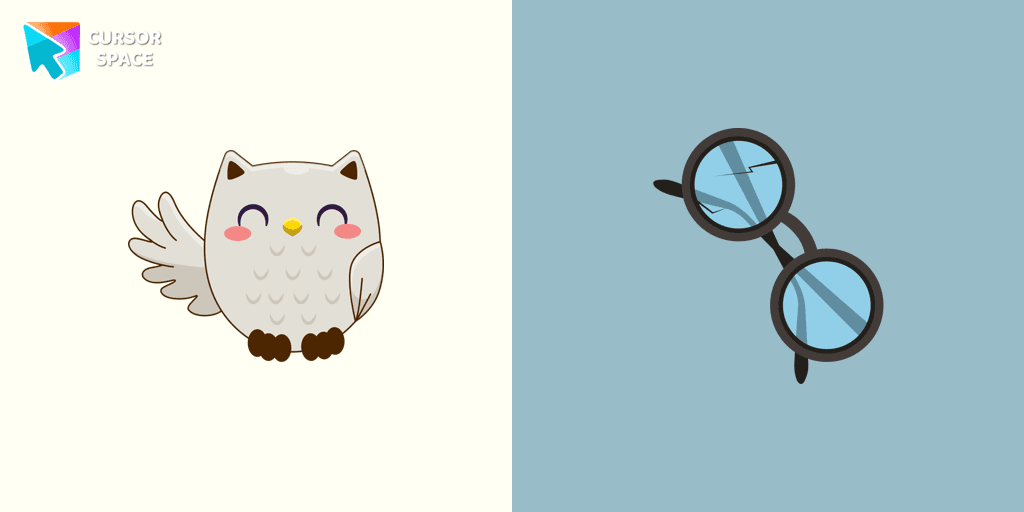
Harry Potter custom cursors collection for Chrome and cutie Owl Hedwig cursor for mouse and Harry Potter glasses hover.
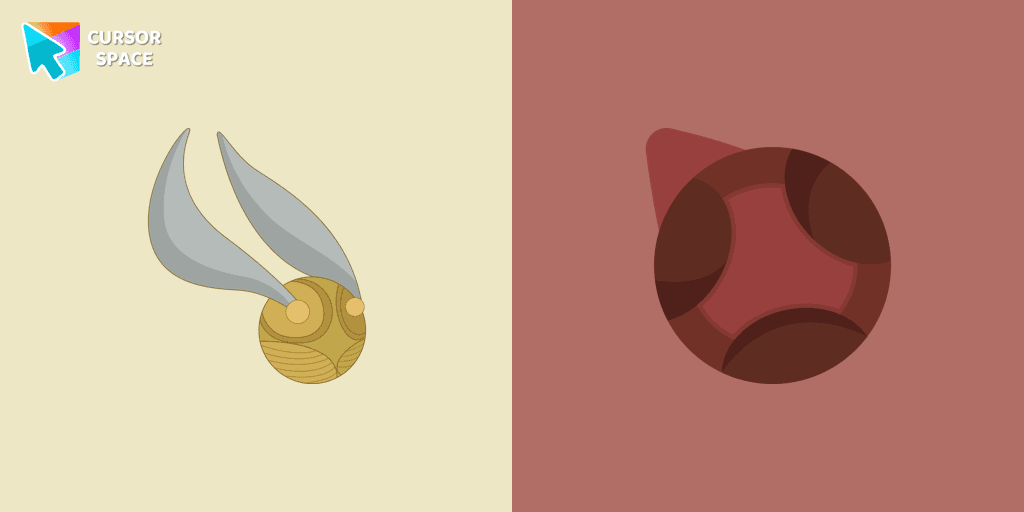
Don't miss out on flying on a broom by playing the fun Quidditch sports game. Snitch as a cursor for the mouse and quaffle pointer will look pretty nice on your screen.
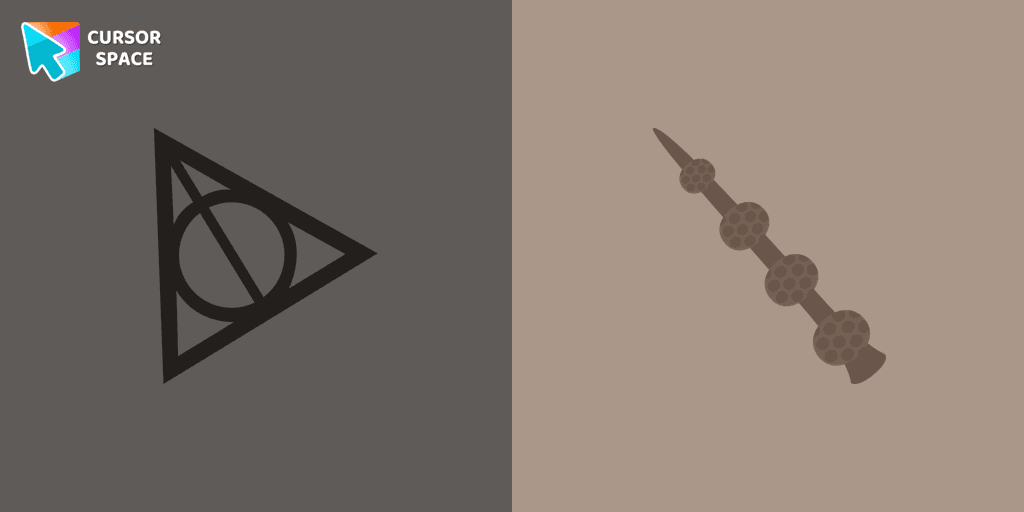
There is a custom cursor with Elder Wand and a Resurrection Stone as a hover in a set of Harry Potter cursors for Chrome.
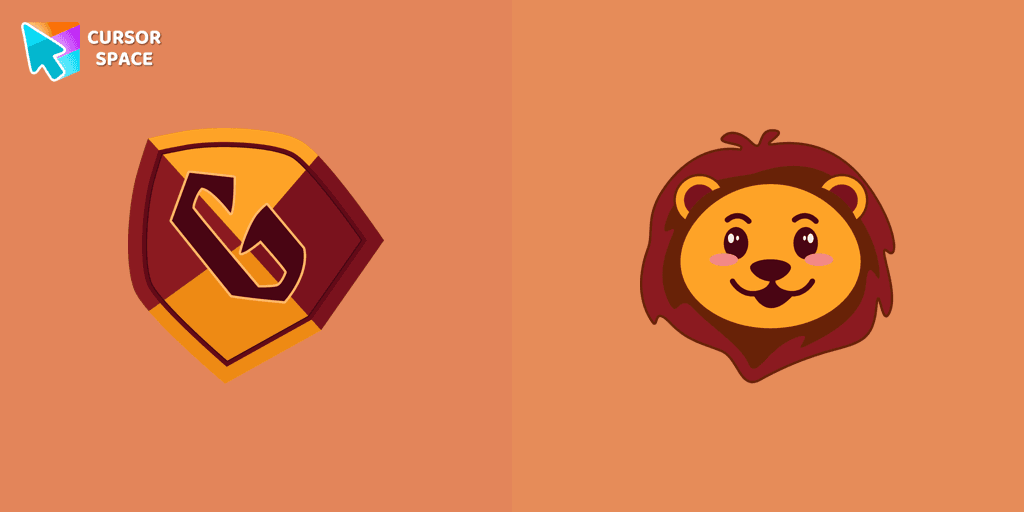
Gryffindor Crest cursor for a mouse is a good fan art to decorate your browsing. Mascot lion hover comes together with the custom cursor with Gryffindor emblem.
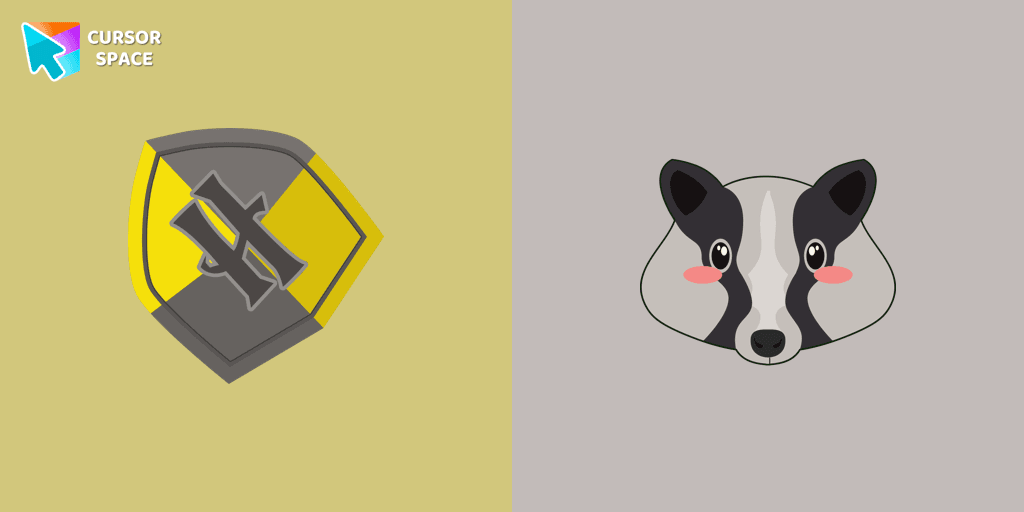
Cute Hufflepuff Crest cursor and mascot badger pointer in our custom cursors collection with Harry Potter.
Add packs instantly and unlock access to thousands of cursors: neon, anime, pixel-art, and more. Fast, safe, and free.
Cursor Space is an extension for changing your mouse cursor in Chrome and Edge browsers: themed collections, HiDPI icons, neon, animated, and pixel cursors, with quick installation.